Design Automation Hub
Tools Developers
Version 0.2.0

SheetForge

Export Revit sheets from ACC as PDFs renamed by your chosen parameters.

Revit Forma BIM Management Documentation QA

Screenshots & Demo

Key Features

Parameter-Driven Renaming

Sheet and title-block parameters Reads every instance parameter on each ViewSheet and walks nested title-block family instances, so both sheet fields (Sheet Number, Current Revision, …) and title-block fields (Project Number, Drawn By, …) are available as selectable fields.
Filename pattern builder Pick any subset of parameters, then drag them into the order you want. Insert hyphen or underscore separators between fields. Empty values fall back to a configurable placeholder.
Safe, deduplicated filenames Sanitises characters that are invalid on Windows and appends numeric suffixes if two sheets collapse to the same filename, so no PDF is silently overwritten.

Autodesk Construction Cloud Integration

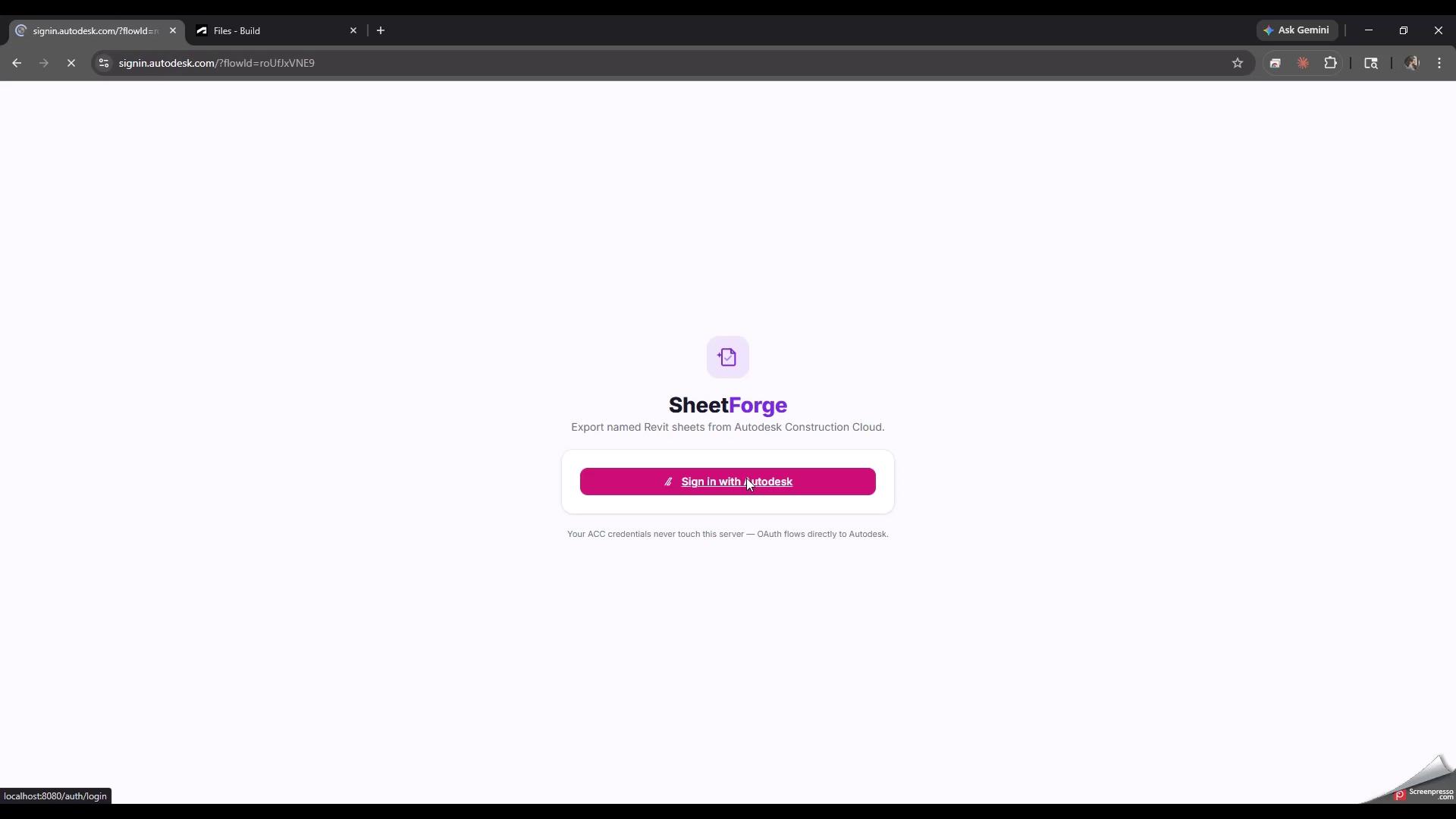
3-legged OAuth sign-in Users sign in with their own Autodesk account and only see the hubs, projects and folders they already have access to in ACC. No service accounts, no shared credentials.
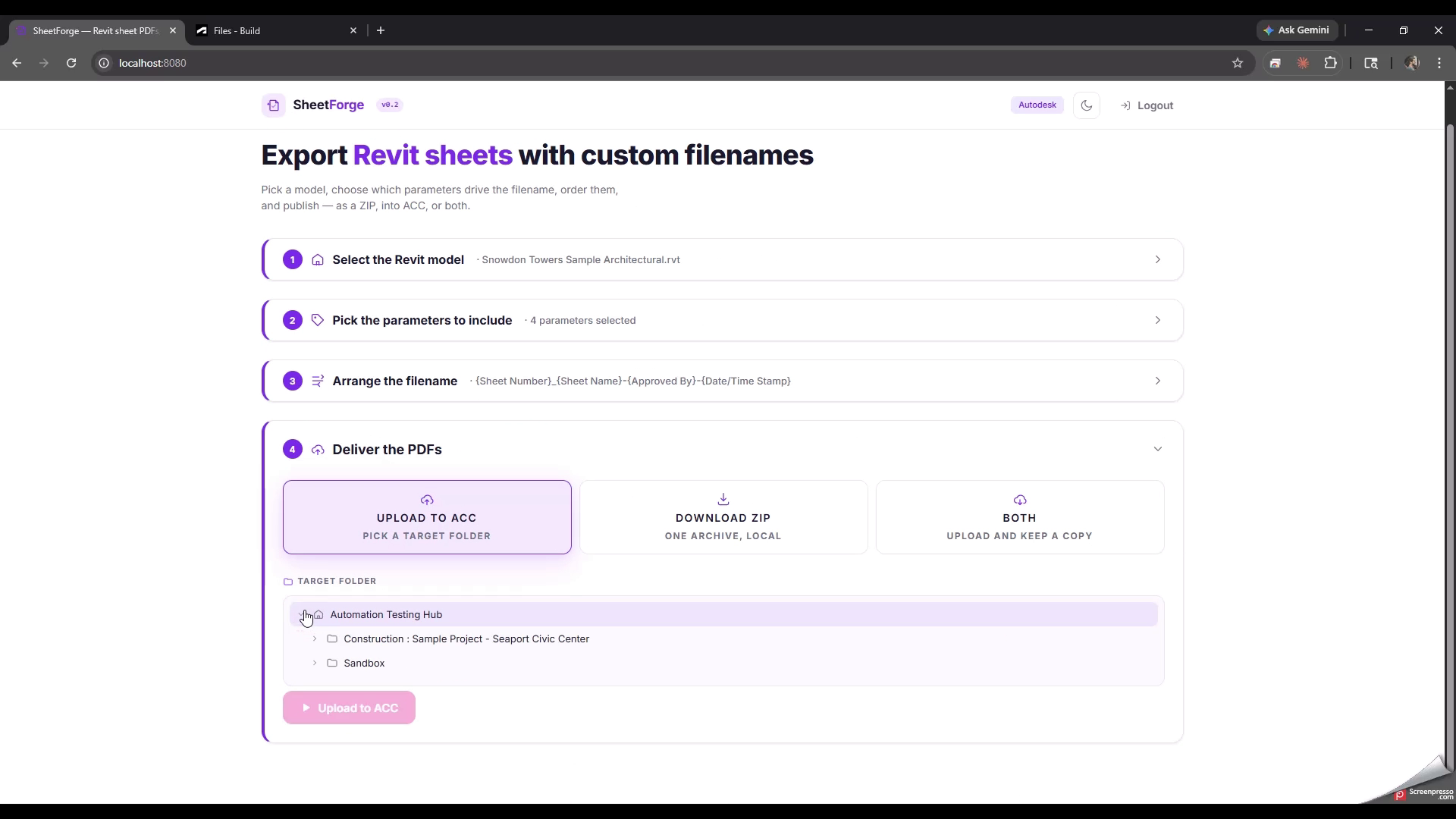
Hub and project browsing Navigate hubs → projects → folders → Revit items → versions in a live tree, and pick the exact version of the model to export from. The version URN is resolved on demand using the Data Management API's included-resource sideload.
Write-back to ACC Renamed PDFs can be uploaded as new items into any destination folder the user selects in ACC, using the standard 5-step storage and signed S3 upload pipeline.

Metadata Extraction

Model Derivative pipeline Triggers an SVF2 translation of the chosen version, polls the manifest to completion, then pulls the full object-tree and property set for the sheet model view.
Title-block flattening Walks nested family instances under each sheet and flattens their parameters into the sheet record, so both namespaces appear as selectable fields in one combined list.
Per-version caching Translated metadata is cached in memory per model version for the duration of the session, so repeated exports from the same model do not re-run the translation job.

Batch Export and Delivery

Construction Files Export API Uses the ACC Construction Files Export API to generate the full PDF set server-side, then streams the ZIP into memory and splits it into per-sheet PDFs indexed by sheet number.
Parallel upload with retry Uploads to ACC run four in parallel with keep-alive sockets and automatic retry on transient network errors. Long runs are protected by a 30-minute server-side request timeout.
ZIP alternative If write-back is not wanted, the entire renamed set can be streamed as a single ZIP download — useful for offline review or submission packages.

Data Handling and Access Boundaries

Self-hosted, session-scoped SheetForge runs on infrastructure the user controls. Autodesk access tokens are kept only in an encrypted, HttpOnly, SameSite session cookie and are cleared on logout — no tokens, PDFs or metadata are written to disk by the server.
Autodesk-only network egress The server talks to no third-party services. Every outbound call goes to developer.api.autodesk.com or to an Autodesk-signed S3 URL for export downloads and uploads; outbound requests to other hosts are blocked by an allow-list.
Read-only on the source model The tool never modifies the source Revit model or any item in its folder. Write operations are confined to creating new PDF items in a destination folder that the user explicitly chooses in the final step.

Solution Architecture

🌐 Client Layer Browser SPA / vanilla JS
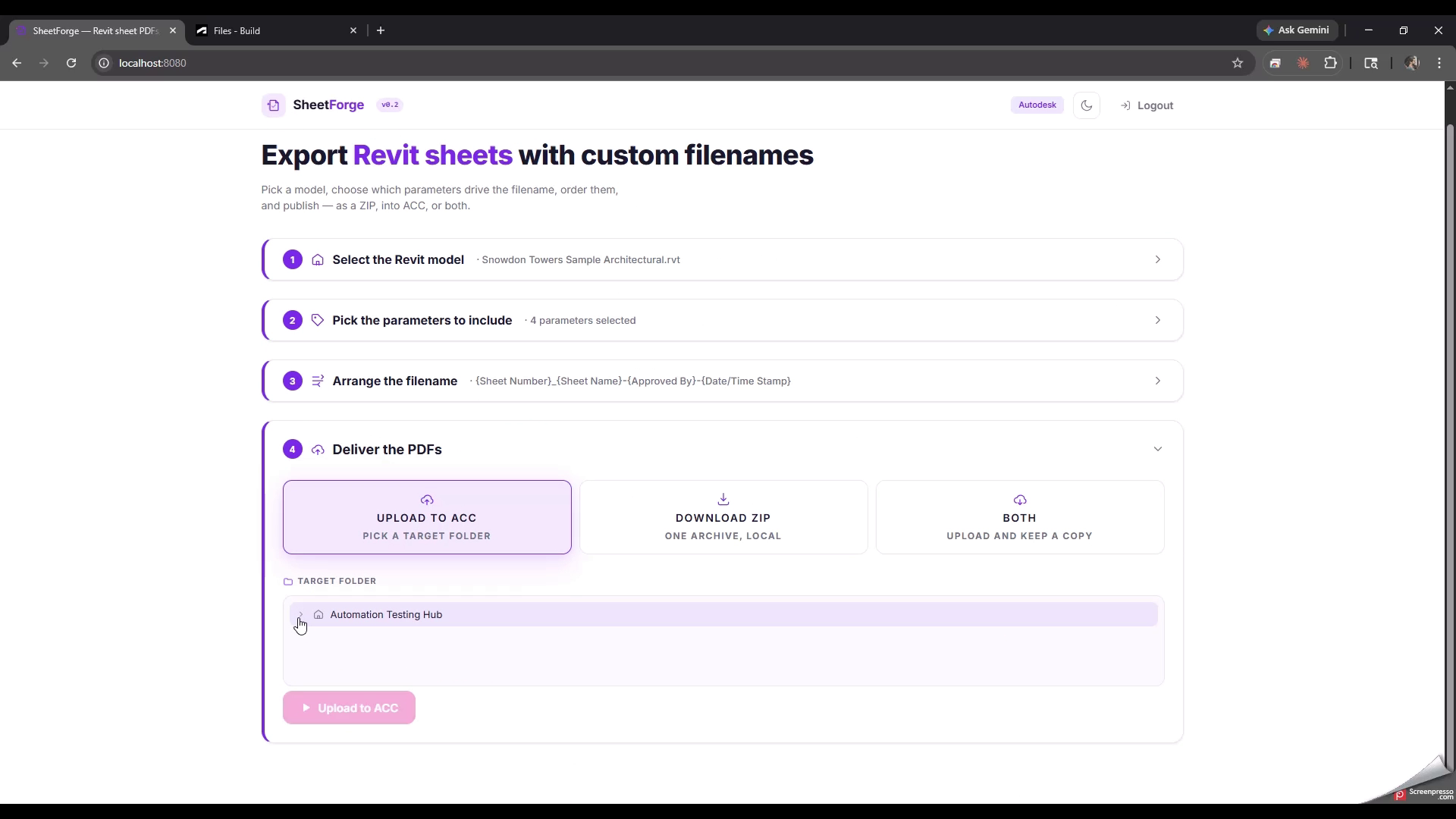
Step Flow Orchestrator Drives the four-step UI — Source, Parameters, Arrange, Deliver — and keeps a single state object in sync with the server as the user progresses through each stage.
ACC Tree Browser Lazy-loaded hub → project → folder → item → version tree. Resolves the version URN on demand using the Data Management API's included-resource sideload.
Naming Builder Two-phase UI: toggle-selectable parameter chips grouped by namespace, then an HTML5 drag-and-drop row where selected fields are reordered and separator tiles dragged in from a side tray. Live-renders the filename pattern for the first five sheets.
Delivery Panel Shows per-sheet upload or ZIP-build progress with a status badge per file, and surfaces any per-sheet errors without aborting the batch.
HTTPS/REST
⚙️ Engine Layer Node.js 18+ / Express
APS Client A single axios-based HTTP client with keep-alive sockets, automatic refresh-token rotation, and transparent exponential-backoff retry on transient transport and 5xx errors.
Metadata Service Drives the Model Derivative translation, manifest polling, metadata GUID lookup and property extraction, then flattens nested title-block instances into per-sheet parameter records.
Export & Upload Pipeline Wraps the ACC Construction Files Export, streams the resulting ZIP into an in-memory cache keyed by export ID, then performs the 5-step OSS upload (storage → signed S3 PUT → finalise → item create) with p-limit concurrency of four.
Session & Request Security Hardened Express stack — Content-Security-Policy, HSTS, SameSite=Lax session cookies, same-origin CSRF guard, per-route rate limiting, outbound-host allow-list on the download proxy, and input validators on every route parameter.
Browser SPA (vanilla JS)
Server (Node.js / Express)
Security Boundary

For BIM Managers

Standardises issued PDF filenames across every project in one pass, driven by the project's own sheet and title-block parameters rather than by a separate naming spreadsheet. Issue sets that used to be renamed by hand or by ad-hoc scripts can be produced and re-uploaded to ACC in the same step.

For Technology Leads

A single, self-hosted codebase with no build step on the client and only Autodesk APIs on the back end. The OAuth flow, retry transport and upload pipeline are all encapsulated in small services, so adding new pattern logic, alternative delivery targets, or a different metadata source does not touch the UI or the auth layer.

For Document Controllers

Removes the manual rename step between "export from Revit" and "issue to consultants". The generated filenames are deterministic from the model's own parameters, so issues produced from the same model always collate the same way — and collisions are flagged and deduplicated rather than silently overwritten.